Relabelling and Saving Progress
Saving Progress in LineageTree
LineageTree files can be modified using the plugin.
Users who have manually assigned labels to a LineageTree or performed extensive pairwise distance calculations may wish to preserve their progress to avoid data loss.
This section describes the procedure for saving progress after such modifications.
1. Selecting a Node
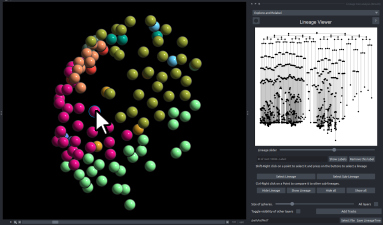
To modify a specific node, perform Shift + Right Click on a point within the viewer,
or select the desired node directly from the Lineage Viewer panel.
2. Editing Labels
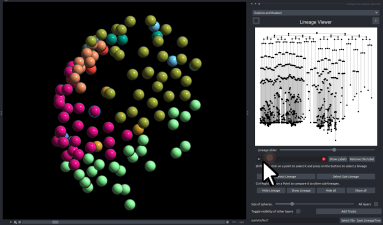
Enter the appropriate label in the label field and press Enter.
If pairwise comparisons have been executed, the results are automatically saved within the LineageTree file, as detailed in the Pairwise Distance Tutorial.
3. Saving the LineageTree
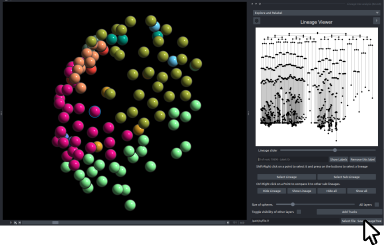
At the bottom of the widget, press Select file to choose where to save, then press Save LineageTree. The dataset is saved as a .lT file, with its labels and comparisons.